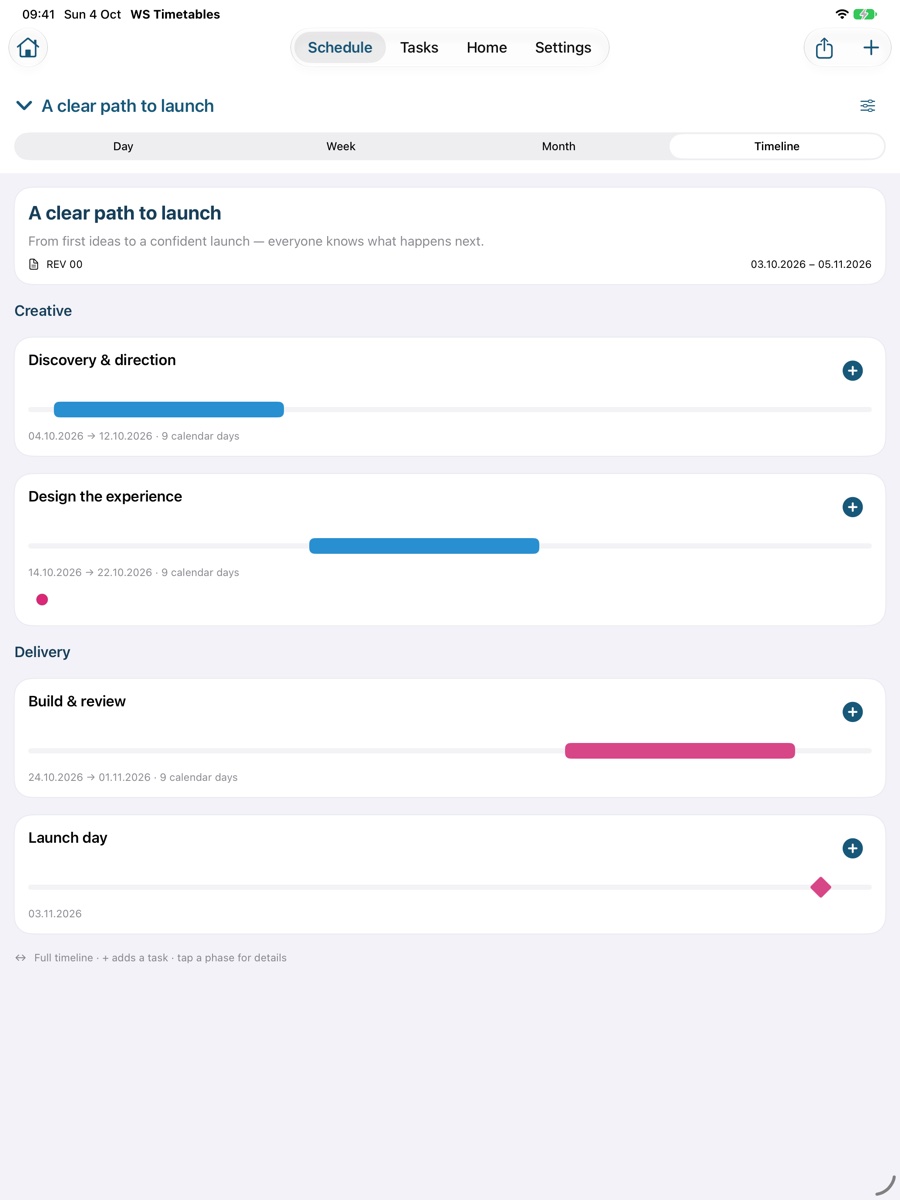


Build a recurring class schedule, keep homework next to the lesson it belongs to, or lay out a project from its first phase to its final milestone.
- Availability
- Available on the App Store
- App language
- English
Inside the app
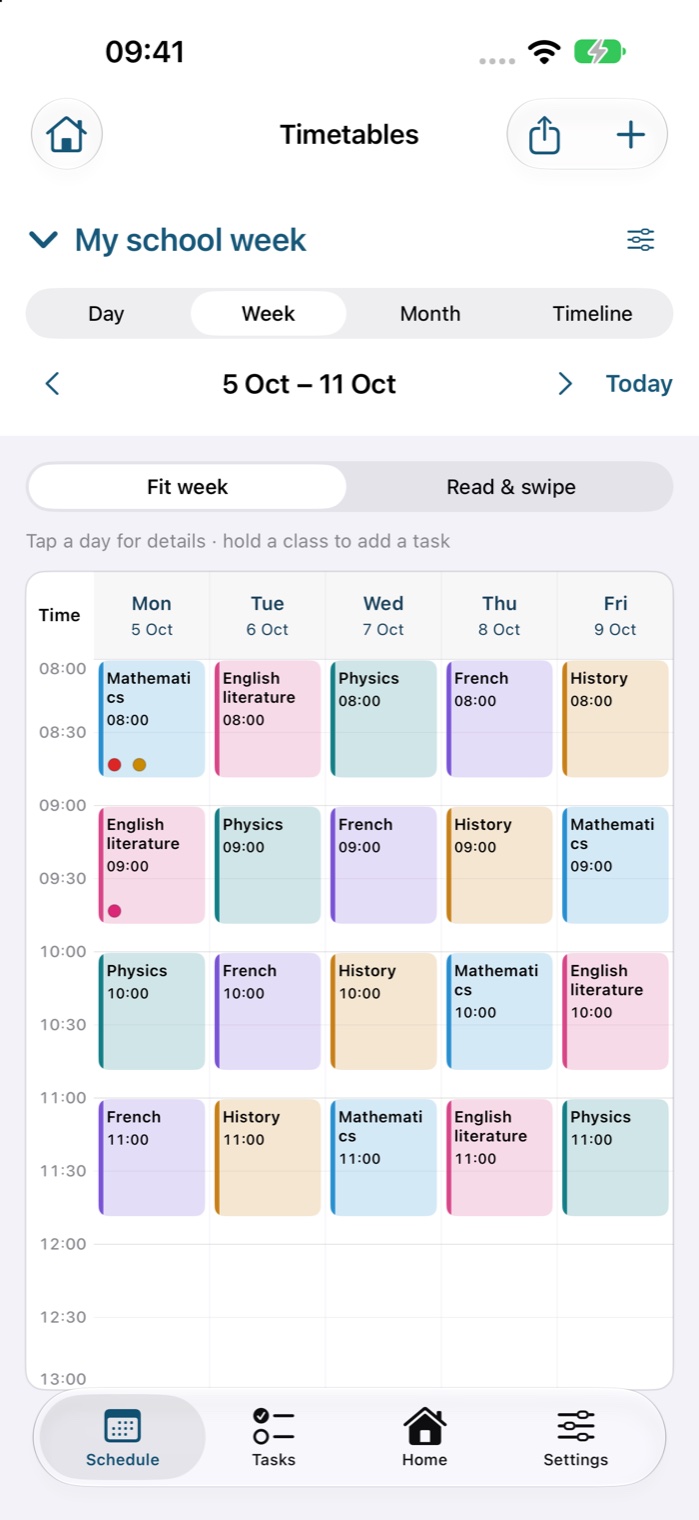
From a paper timetable to a week you can edit
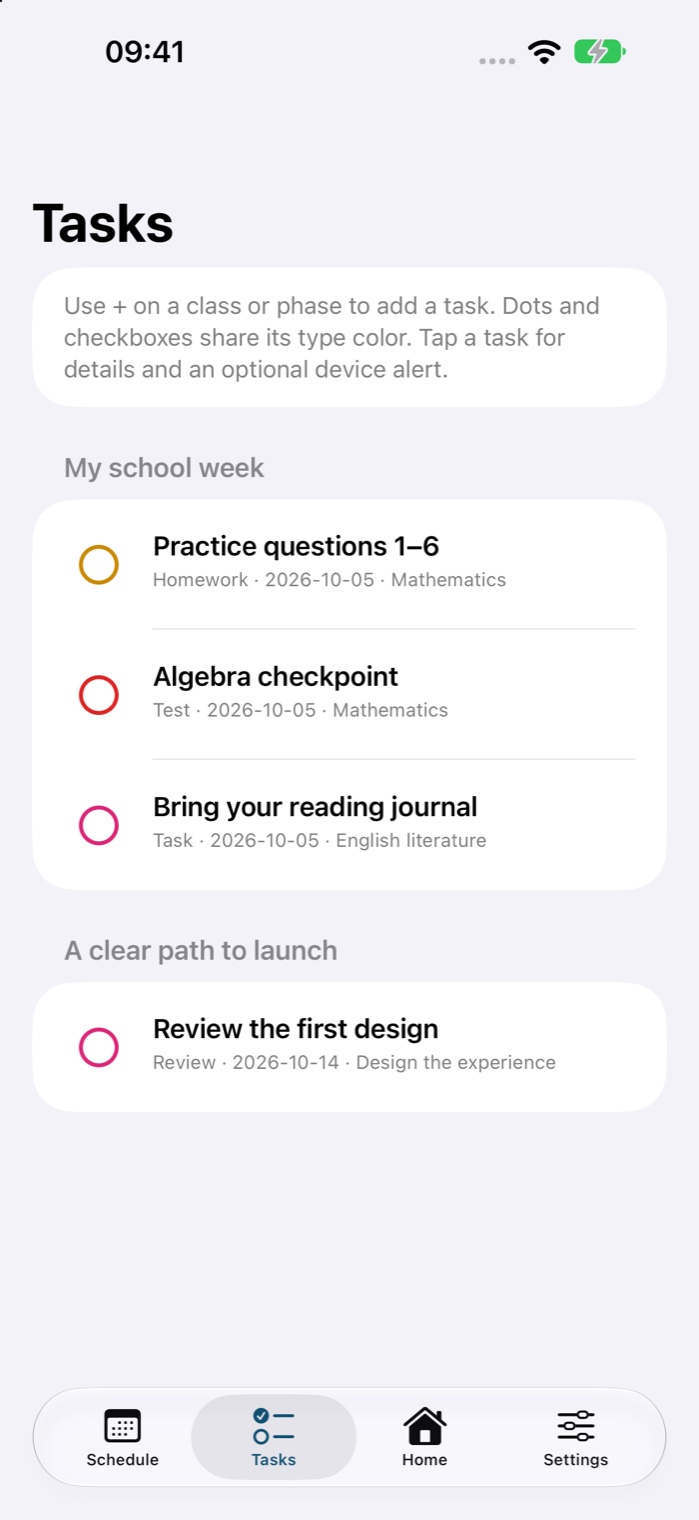
Start with a photo of the school timetable or enter a class by hand. Set its weekly repeat, then use the + beside the lesson to attach homework or a test. Due dates appear together in Tasks.
Review a timetable from a photo
On iOS 26 or later, the app reads printed days, times and activity names on the device. Compare the draft with the original, especially short room codes and dates, before saving. On iOS 17 or later you can also create timetables manually or import a .tt file.
Build a timeline for a presentation
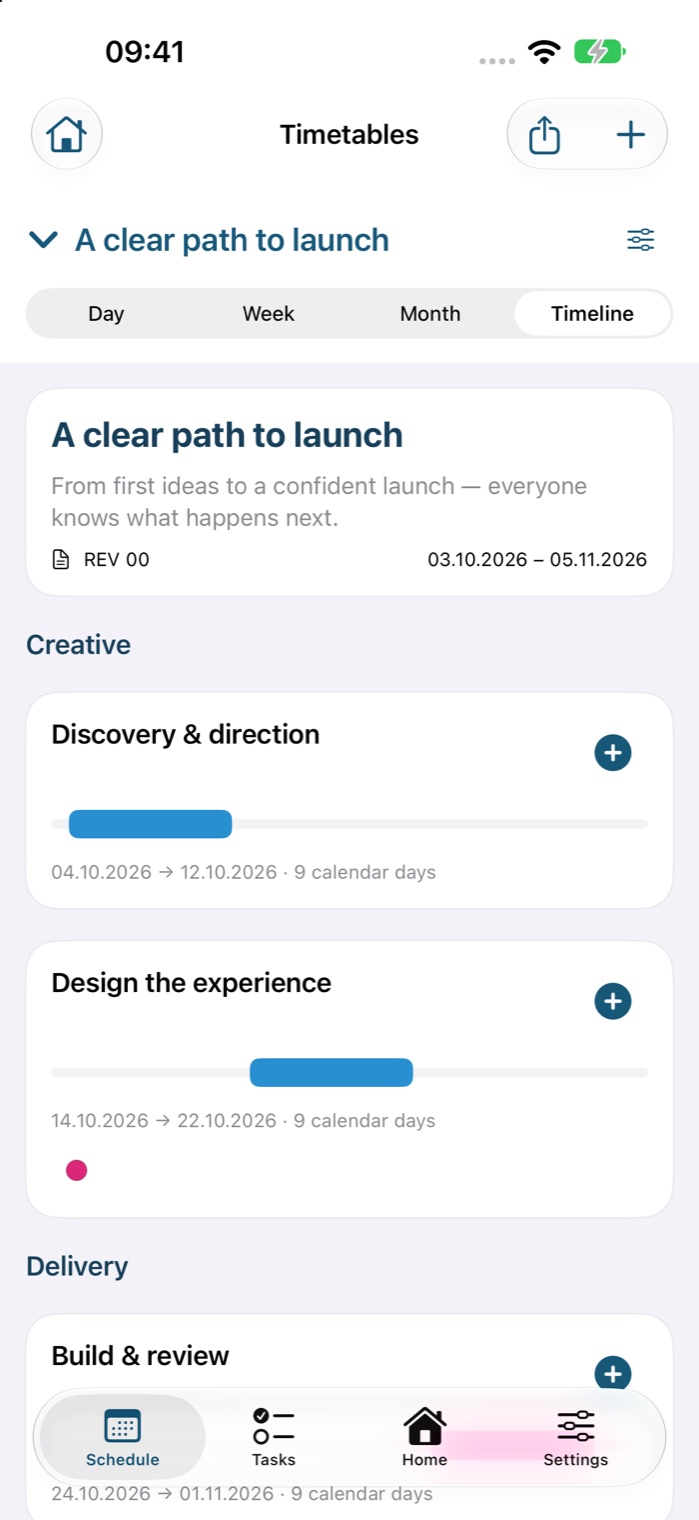
Group the phases of a project, enter their dates and mark the milestones you want the audience to see. Add a subtitle and revision to identify the version, then export the timeline as a PDF. Day and week schedules can also be exported as PDFs.
Keep an editable copy or sync a Catalog
A .tt file lets you transfer a timetable and keep editing it. To work with WorkStudio online, sign in, select a Catalog and choose the timetables to sync. You can review local changes first and retain a recovery copy when restoring an online version.